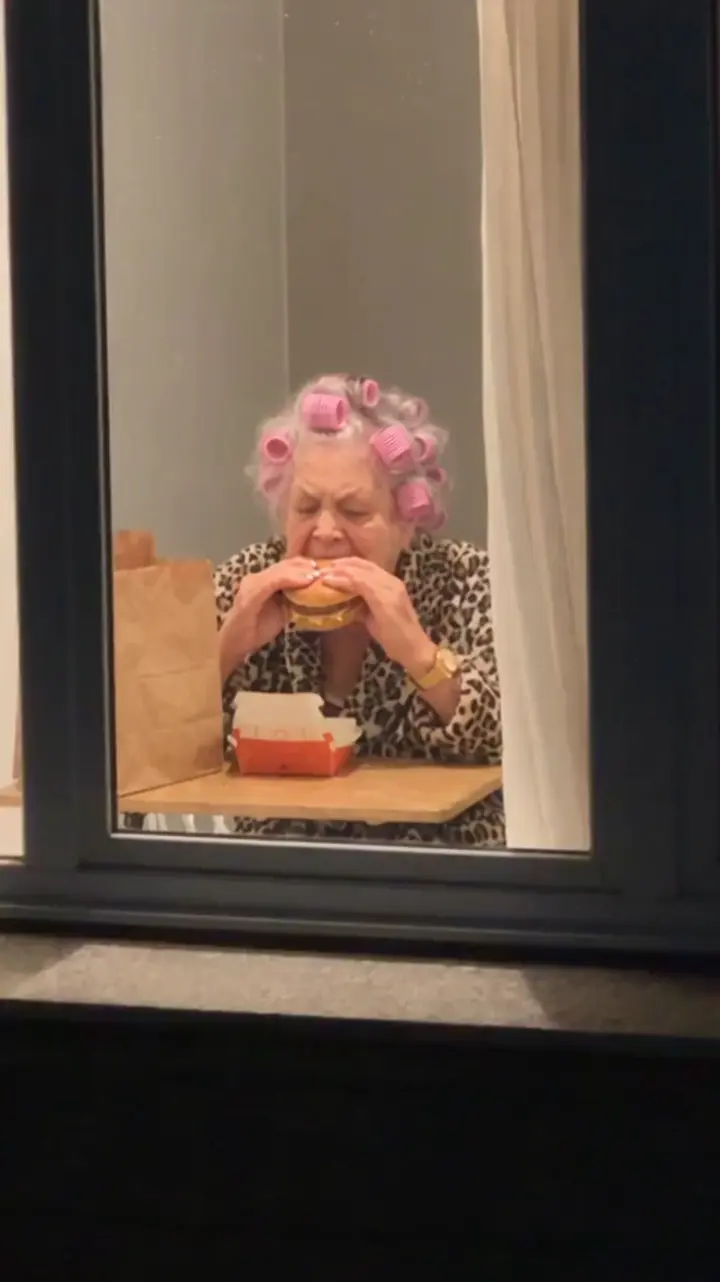
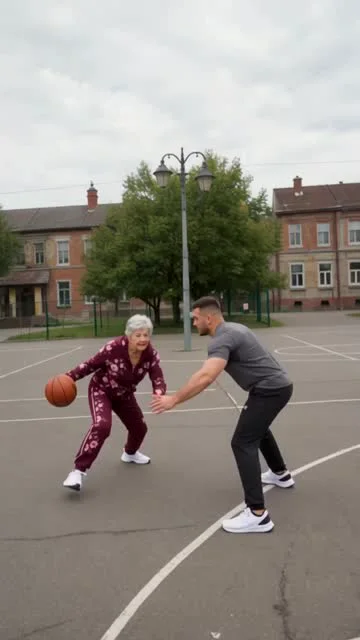
 8 sec · 9:16AI Dunk: Middle Finger Dunk1–2 photos · 8–12 sec · 9:16 · 10–20 credits (480p–720p)
Photo to meme video
AI Meme Video Maker Online for Your Photos
MakeHit AI is an online AI meme video maker for people who want to turn photos into short, shareable videos; browsing templates and watching examples are free, while generating a video requires an account and paid credits. Choose a ready-made template, add the required photos, and create an MP4 without writing prompts or editing a timeline.
From $4.99 · Purchased pack and plan credits have no scheduled expiry while your account and the service remain active
Create
Create your meme video
Choose a scene, add the requested photos, and review the cost and permission confirmation before generating your video.
How it works
From photos to video in three steps
Choose a prepared scene, add the photos it asks for, then review and download your finished video.
Pick a meme video template
Choose a template and confirm the inputs it needs.
Add your photos
Add the required photo or photos. Signed-in preview mode may upload them temporarily before you submit.
Generate and download your video
Submit your video, then track its progress and download the result from My Creations.
Trending scenes
Meme video templates for your photos
Start with one of these six prepared scenes, or browse the full library to find a different idea for your next post.
8 sec · 9:16AI Dunk: Middle Finger Dunk1–2 photos · 8–12 sec · 9:16 · 10–20 credits (480p–720p)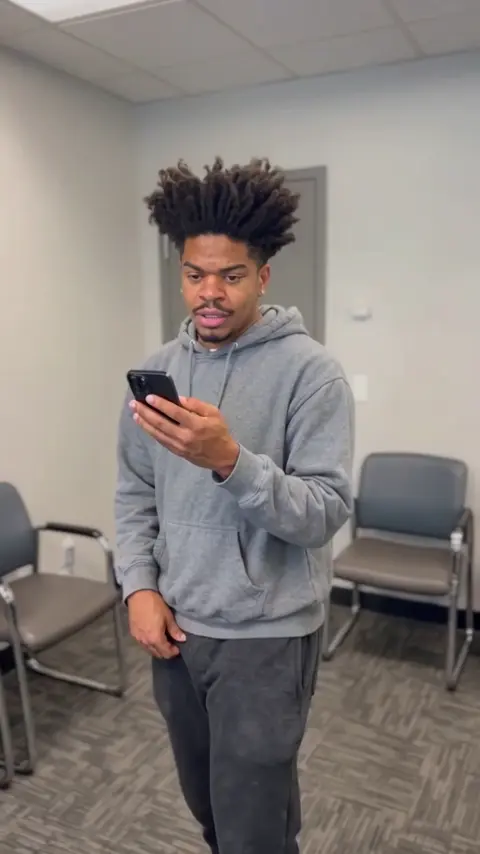
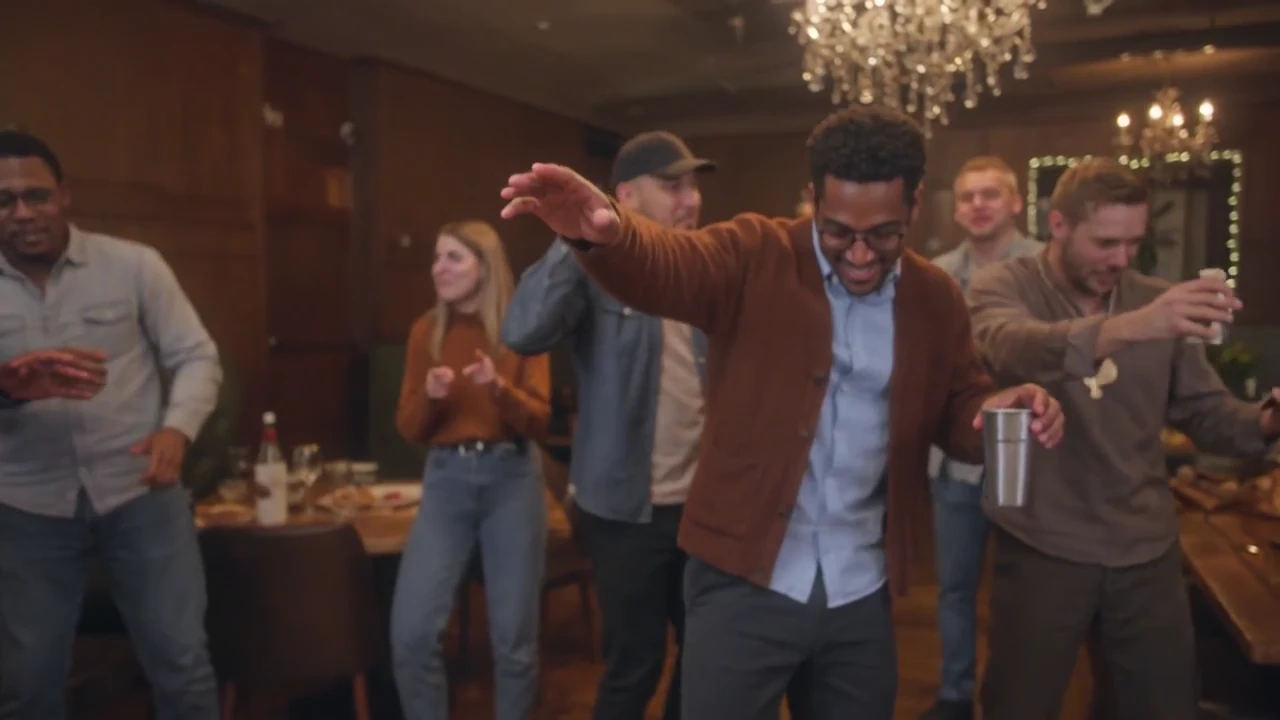
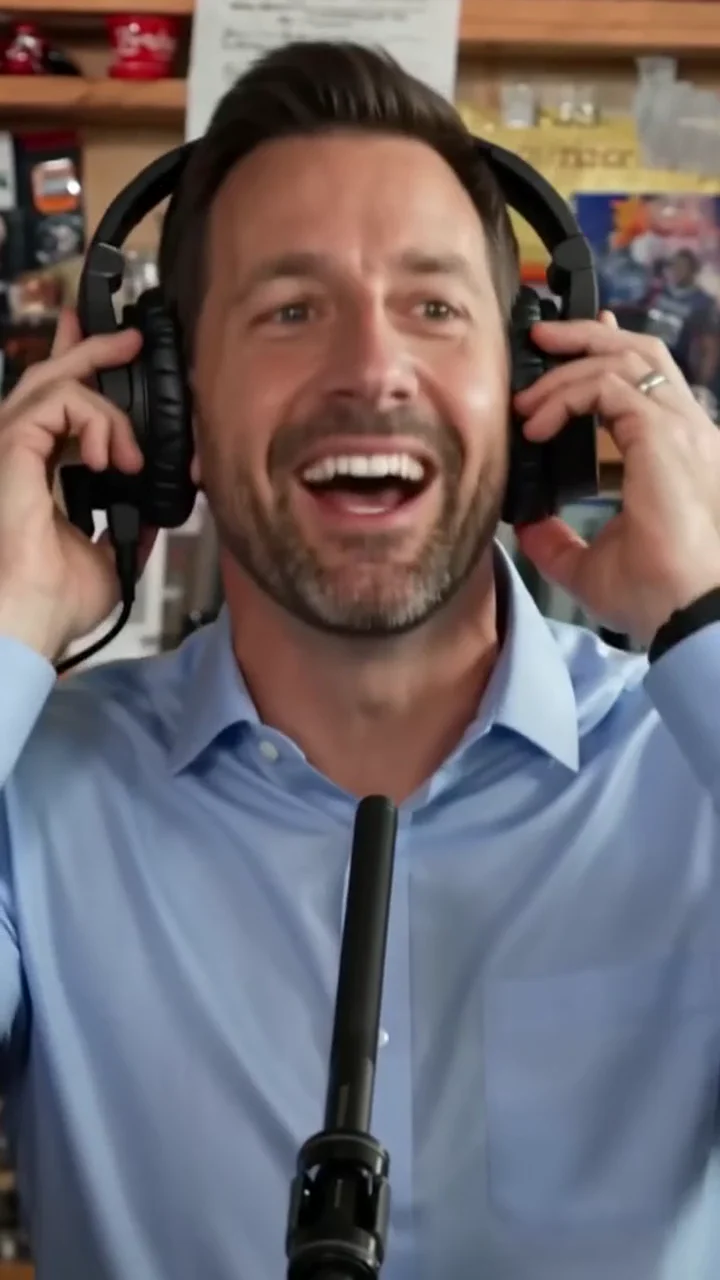 10 sec · 9:16Tiny Desk: Duo / Band1–5 photos · 8–15 sec · 9:16 · 10–20 credits (480p–720p)
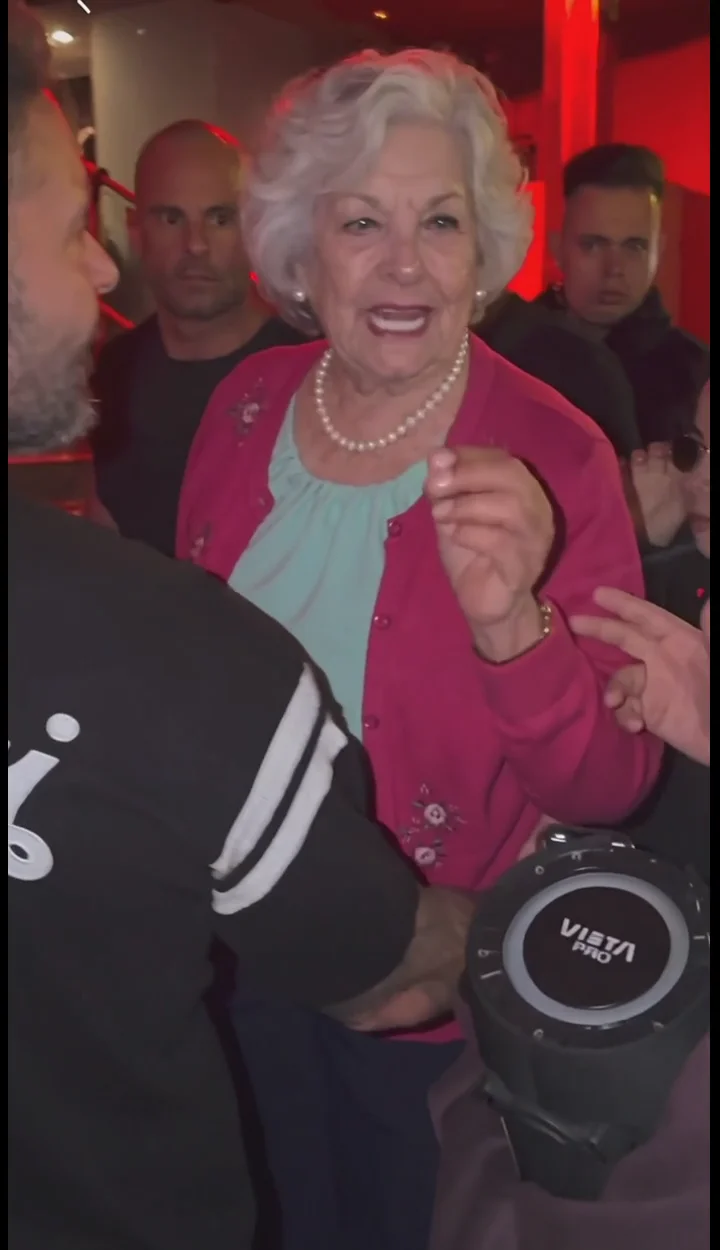
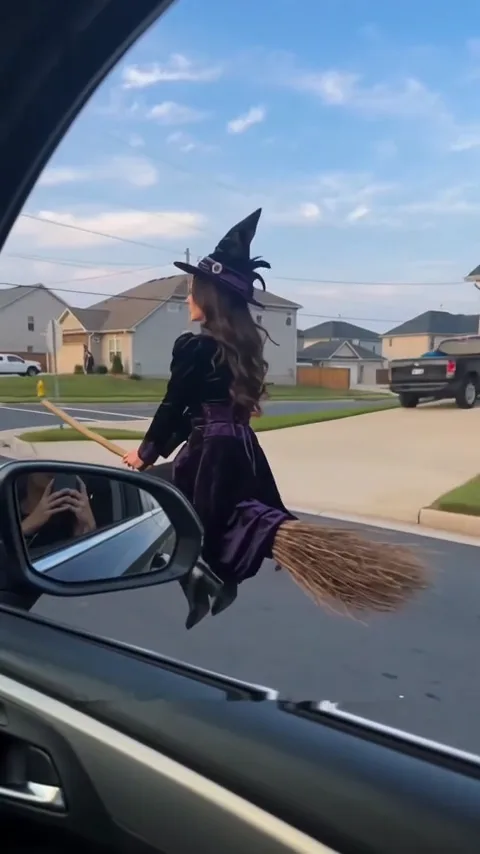 6 sec · 9:16Broom Riding: Parallel Commute1 photo · 6 sec · 9:16 · 10–20 credits (480p–720p)
Real input → output
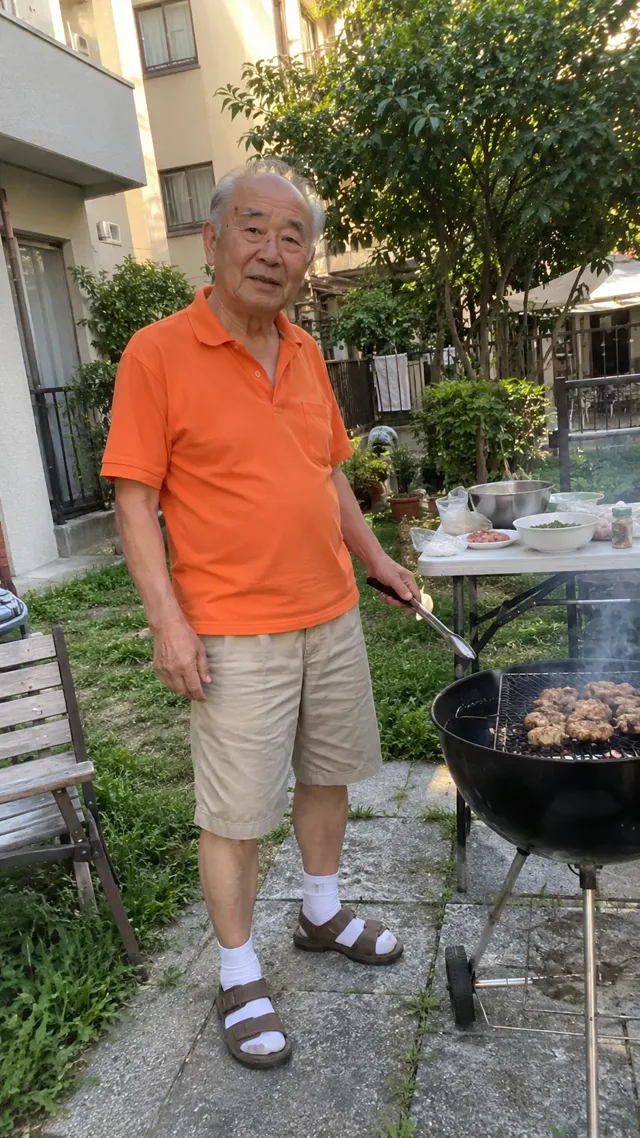
One real MakeHit result
Compare the actual input photos with the video made using the same MakeHit AI workflow available to you.
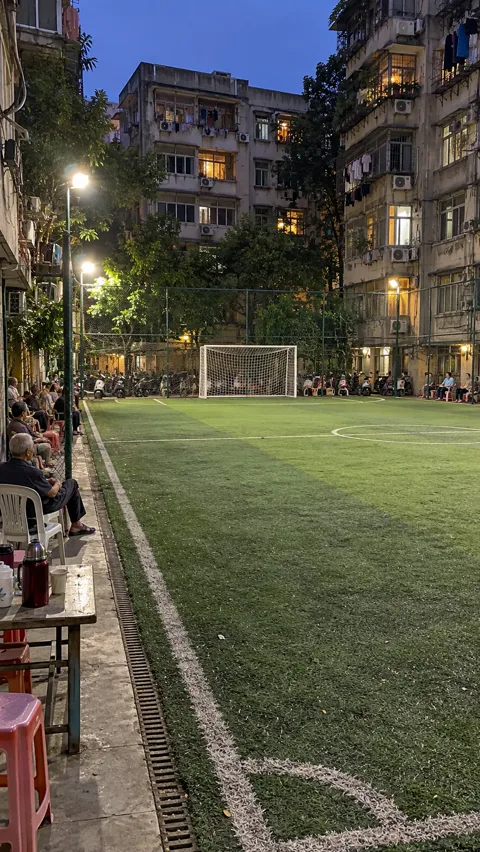
Input photos for this meme video

About MakeHit AI
What is MakeHit AI?
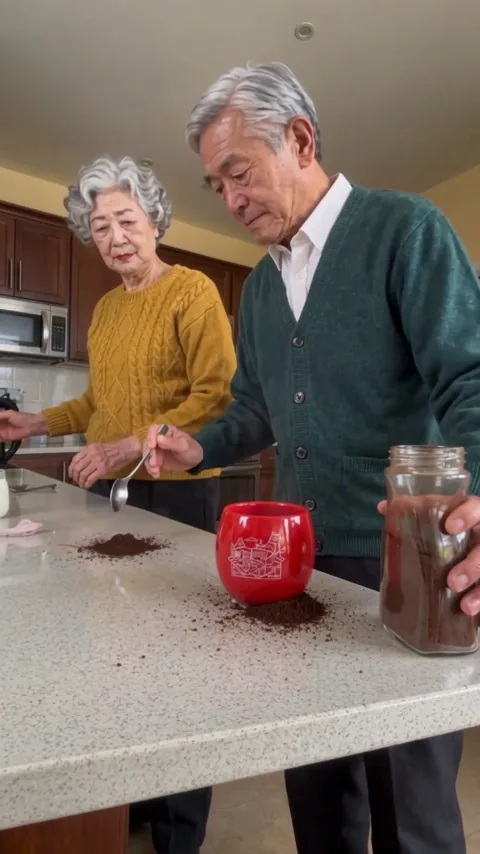
MakeHit AI is an online AI meme video maker that turns your photos into short, shareable videos with ready-made templates. Each template prepares the scene, action and sound, so you can create without writing prompts or editing a timeline.
From photos to MP4, without the editing work
Start with a prepared meme scene, add your photos, and get an MP4 with its action, camera setup and sound ready—no prompts or timeline editing.
Check the scene before you create
Review the required photos, example video and output details in the creator before you spend credits. Pick the template that fits your photos and idea.
Know the cost before you create
See the exact credit cost before you submit. Failed or blocked jobs return their reserved credits automatically.
Categories
Find your kind of scene
Browse by mood, subject or occasion, then choose a scene that fits the photos and video you have in mind.
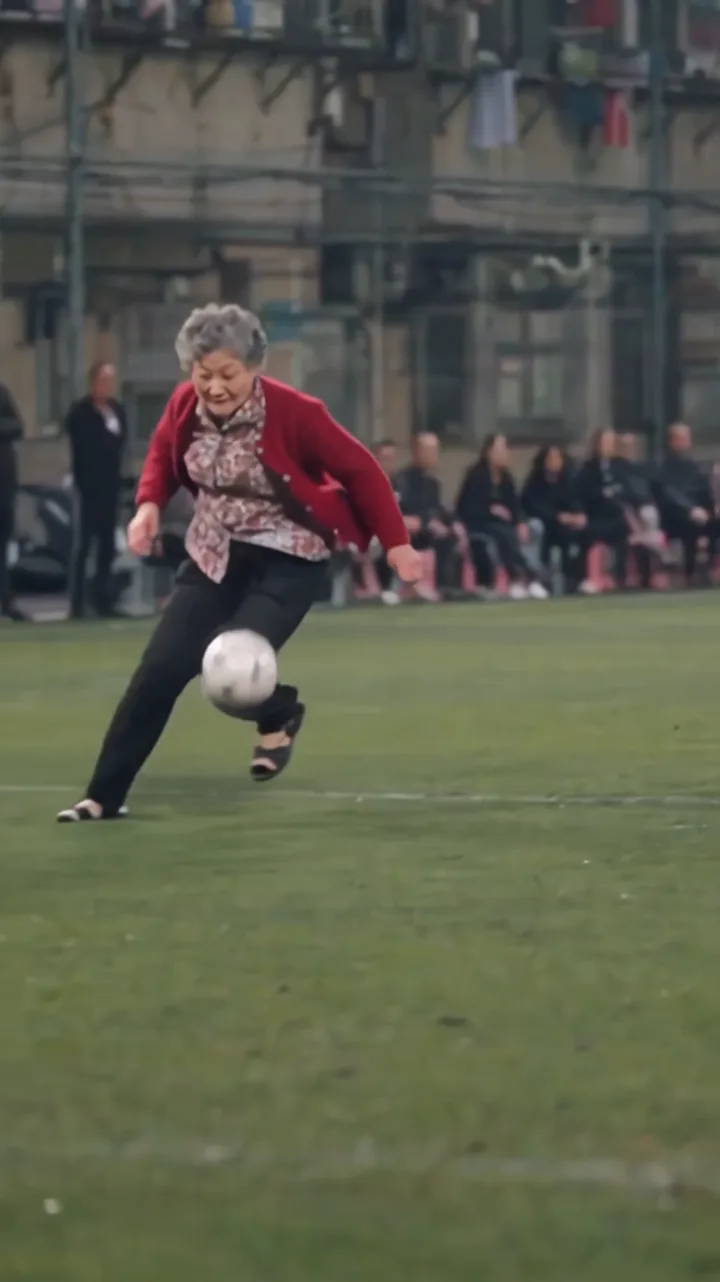
MemesReaction clips, jokes, fails, and internet moments.3 templatesDanceDance challenges, performances, and music-led trends.4 templatesFriendsDuos, groups, family moments, and relationship trends.1 templateSportsBig plays, athletic challenges, stunts, and action scenes.2 templatesFantasyMagic, alternate worlds, characters, and anime energy.1 template
 Sports
Safety & privacy
Your photos, your permissions
Know who you can upload, when photos leave your device, how deletion works, and when failed or blocked jobs return credits.
Photos of you and consenting adults
Use your own photo if you are 13 or older, with parent or guardian permission if you are under 18. Anyone else pictured must be a consenting adult, and you must have the right to use each image.
Age and public-figure limits
Do not upload other minors, celebrities or public figures. Users under 13 must not create an account or submit personal information.
Local drafts and temporary uploads
Anonymous selection creates a local preview and may save a browser draft. Signed-in preview-mode creation uploads photos to temporary storage with a 24-hour expiry; live mode uploads them on submission.
Photo deletion and My Creations
Ozil Goal inputs are scheduled for deletion from our storage about 48 hours after completion or failure. Delete an Ozil Goal task sooner to remove its stored files. For other tasks, Delete currently removes history access only. Generated videos, browser drafts, backups and provider-controlled copies follow separate rules.
Credit returns for failed or blocked videos
Reserved credits return automatically when a job fails or is blocked. This is a credit return, not a cash refund.
Pricing & credits
Simple, transparent pricing
Browse examples and choose your photos for free. Generation requires an account and enough credits for your selected quality; compare the current one-time packs and plans below.
View full pricing and credit rules1 Standard video
$4.99
≈ $4.99 / video · 10 CREDITS · 480P
- 480p MP4
- Spend credits on any template; template costs vary.
- Purchased pack credits have no scheduled expiry while your account and the service remain active
- Failed renders return credits
1 HD video
$9.99
≈ $9.99 / HD video · 20 CREDITS
- HD 720p MP4
- Spend credits on any template; template costs vary.
- Purchased pack credits have no scheduled expiry while your account and the service remain active
- Failed renders return credits
2 HD videos
$17.99
≈ $9.00 / HD video · 40 CREDITS
- HD 720p MP4
- Spend credits on any template; template costs vary.
- Purchased pack credits have no scheduled expiry while your account and the service remain active
- Failed renders return credits
3 HD videos
$24.99
≈ $8.33 / HD video · 60 CREDITS
- HD 720p MP4
- Spend credits on any template; template costs vary.
- Purchased pack credits have no scheduled expiry while your account and the service remain active
- Failed renders return credits
5 HD videos
$39.99
≈ $8.00 / HD video · 100 CREDITS
- HD 720p MP4
- Spend credits on any template; template costs vary.
- Purchased pack credits have no scheduled expiry while your account and the service remain active
- Failed renders return credits
10 HD videos
$59.99
≈ $6.00 / HD video · 200 CREDITS
- HD 720p MP4
- Spend credits on any template; template costs vary.
- Purchased pack credits have no scheduled expiry while your account and the service remain active
- Failed renders return credits
One-time payment · Purchased pack credits have no scheduled expiry while your account and the service remain active · No subscription needed
Repeat orders earn bonus credits — applied automatically.
Video format and credit cost
- Standard · 480p
- 480p MP4
- 10Credits per video on core templates
- HD · 720p
- HD 720p MP4
- 20Credits per video on core templates
Failed or blocked jobs return reserved credits automatically. For a serious completed-result issue, request a quality review within 48 hours.
Check photo permissions and the platform’s AI-content rules before publishing. Buying credits does not grant third-party rights. Review the refund policy.
Key facts
Inputs, outputs & limits
A quick summary of the photos required, the video you receive, the editing involved, and the privacy and sharing rules.
| Photos you need | The photo or photos requested by your chosen template. |
|---|---|
| Video output | A ready-to-post MP4, about 6–29 seconds, vertical or landscape by template. |
| Editing | No prompts to write and no timeline to edit. |
| Photo privacy | Anonymous selection stays in your browser; signed-in preview creation makes a 24-hour temporary upload, while live generation uploads on submission. Ozil Goal inputs have approximately 48-hour cleanup. Other tasks currently support history removal only in My Creations. |
| Permission and sharing | Use photos you have permission to use and follow the destination platform's AI-content rules. Buying credits doesn't grant rights to other people's footage or likenesses. |
FAQ
Questions before you create
Straight answers about costs, generation time, photo permissions, privacy, sharing and fixing common problems. If you have more questions, contact support@makehit.app.
Can I try MakeHit AI for free?
Browsing templates, watching examples and setting up your photos is free. Generating a video uses credits from a one-time pack or a subscription plan.
How much does one video cost?
Every template uses at most 20 credits. Core templates use 10 credits at Standard 480p or 20 credits at HD 720p; the exact cost is shown on the Create button before you submit. Packs start at $4.99, and $9.99 gets you 20 credits — enough for one HD video on any template.
Do credits expire?
Purchased pack and plan credits share one pool and have no scheduled expiry while your account and the service remain active. Packs are one-time purchases; plans renew monthly or yearly. If you cancel a plan, credits already granted from that plan stay in your pool under the same conditions.
How long does a video take to generate?
There's no guaranteed completion time — it depends on the template and the queue. You can close the page and pick up the finished video in My Creations.
Can I post the video or use it commercially?
You may share or use a video commercially only if the current Terms permit your intended use, you have the necessary rights to every uploaded photo and other input, and you follow the destination platform's AI-content rules. Buying credits does not grant rights to other people's footage or likenesses.
Was the example in Real results made on MakeHit AI?
Yes. The paired example shows actual input photos and the video generated by this site's Ozil Goal workflow. Items labeled "trend reference" elsewhere in the collection show the original trend, not a MakeHit render.
What happens to my uploaded photos?
Anonymous photo selection stays in this browser. Signed-in preview-mode creation uploads photos to temporary storage with a 24-hour expiry; live mode uploads them when you submit. Only Ozil Goal inputs have approximately 48-hour automatic cleanup. Deleting an Ozil Goal task removes its stored files sooner; deleting other tasks currently removes history access only. Generated videos, browser drafts, backups and provider-controlled copies follow separate rules; see the Privacy Policy.
How can I get a better result?
Use a sharper, front-facing photo with good light and try again. AI details can vary between runs. The example shows the idea, not a shot-for-shot copy; review your finished video before sharing.
How do I fix common photo or render problems?
Use a JPG, PNG, WebP, HEIC or HEIF photo up to 10 MB and try again. If a cast role looks wrong, reassign its photo or leave the slot empty and let AI generate that part. Failed or blocked renders automatically return reserved credits; fix the photo issue and resubmit.
Start creating
Turn your photos into a meme video
Choose a scene, add your photos, and make a shareable MP4.